
Cessna 172
The 172P, the 172S, the 172S NAV III with its G1000 and the 172 Diesel: every control on the panel, the POH systems, the emergency and normal checklists, with the airplane drawn to scale in 3D so you can see where each tank, pump and wire runs.
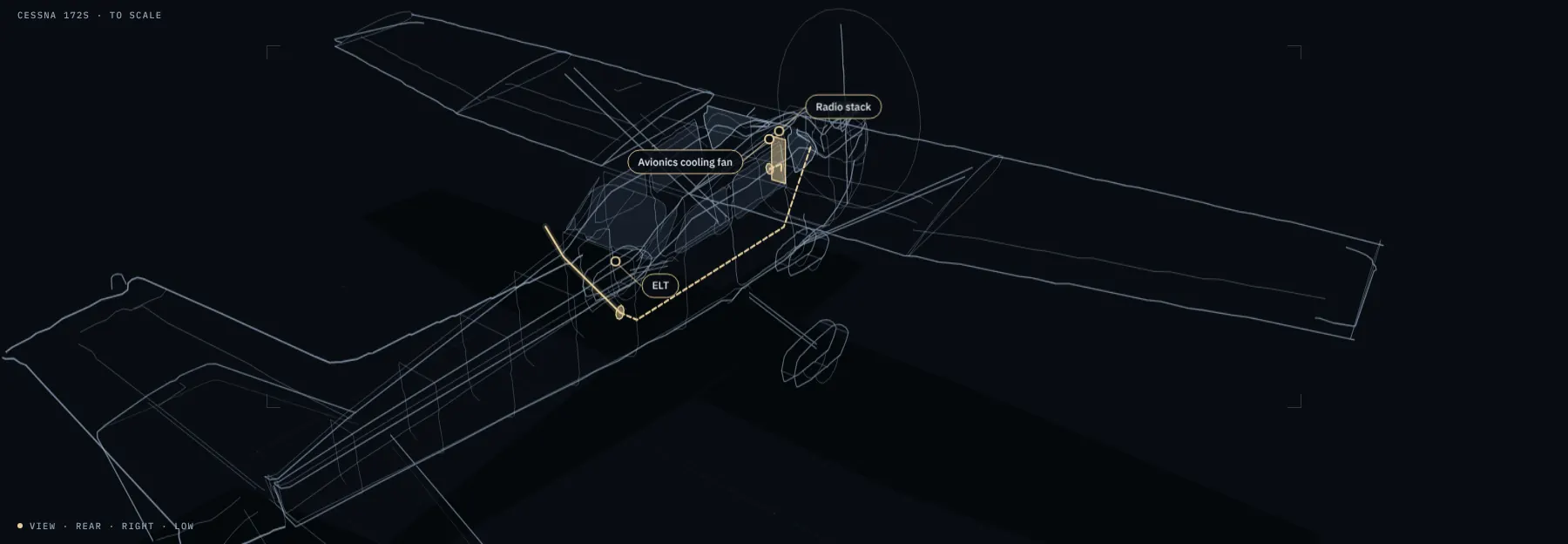
Electrical
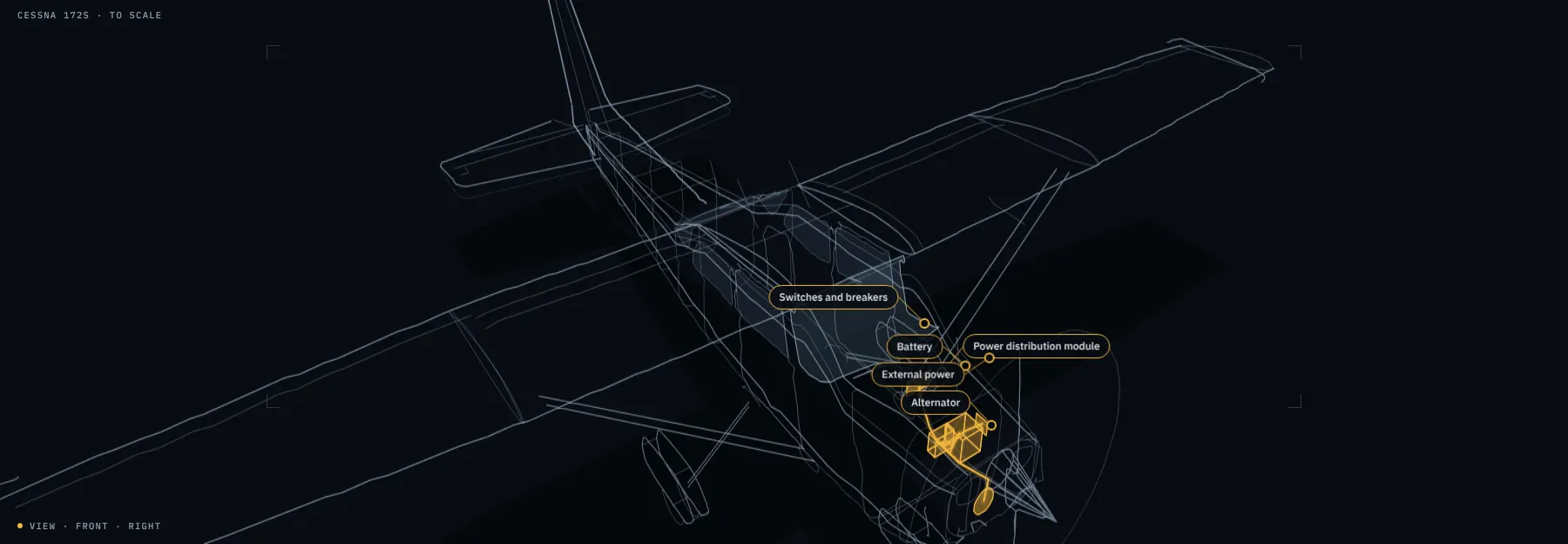
28-volt DC: alternator, battery and buses
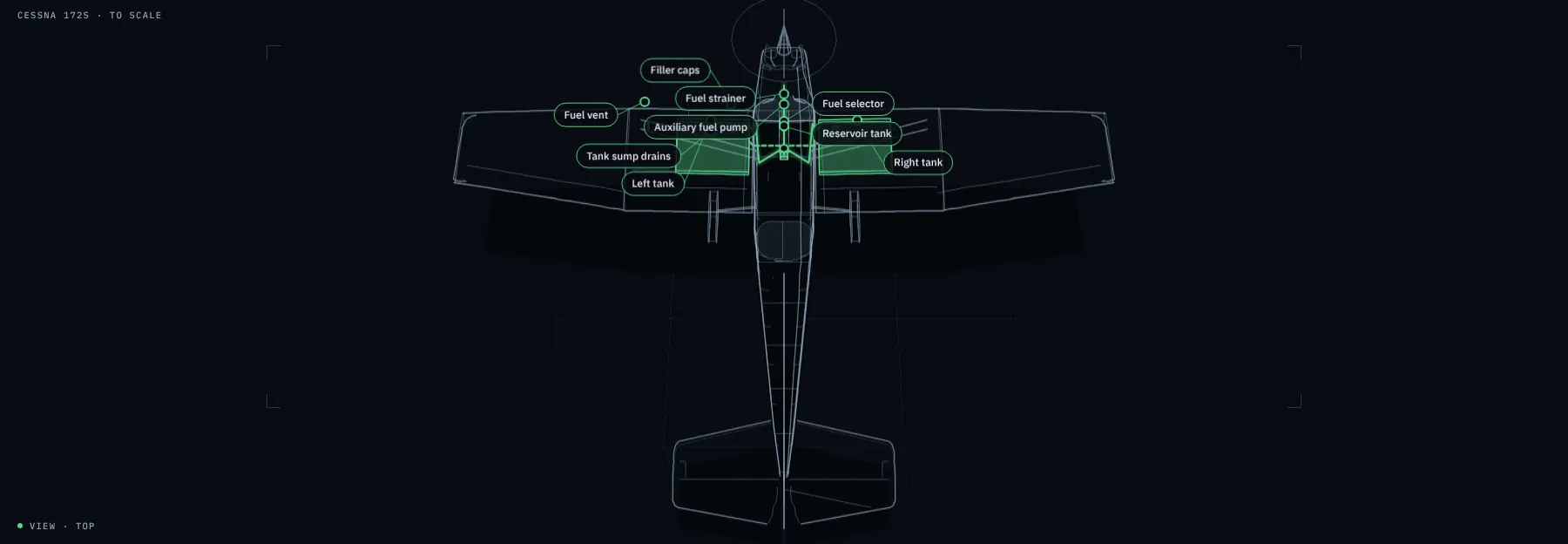
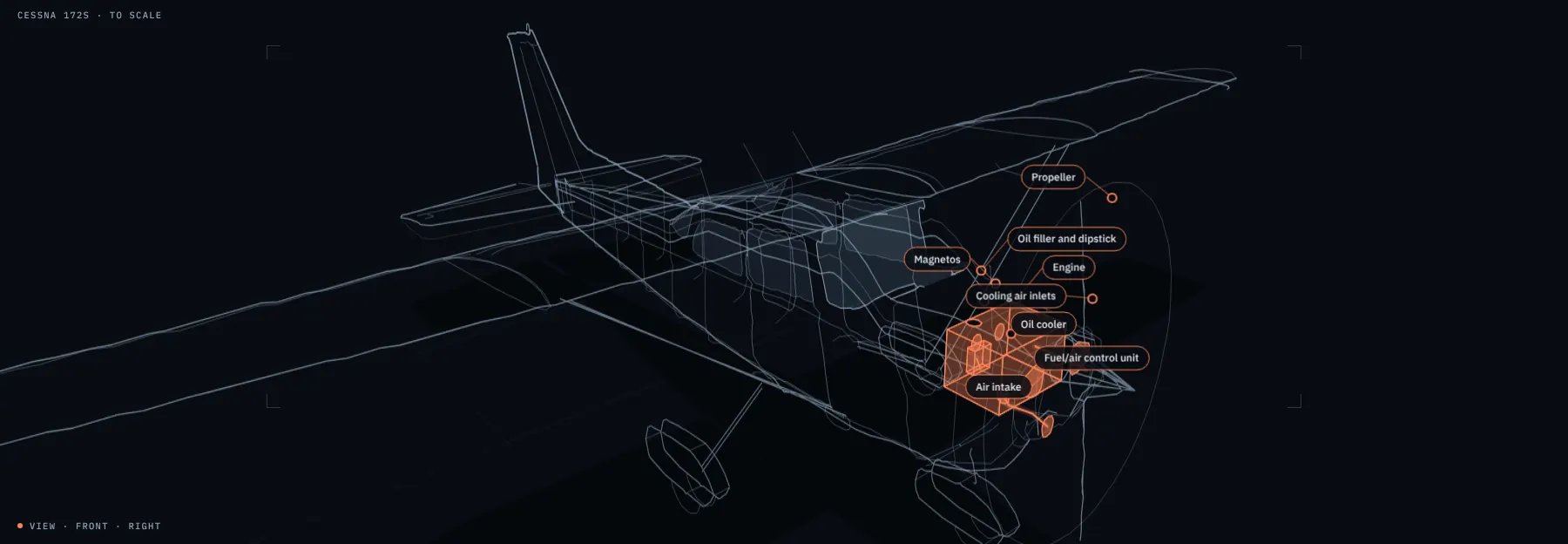
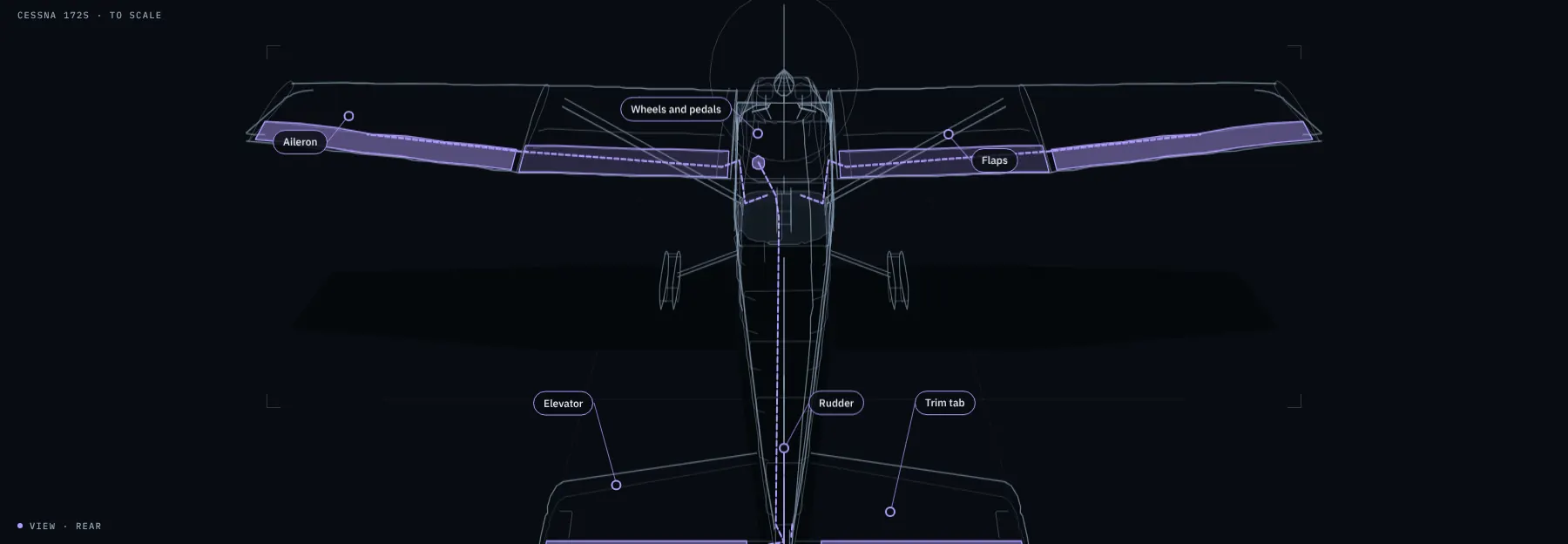
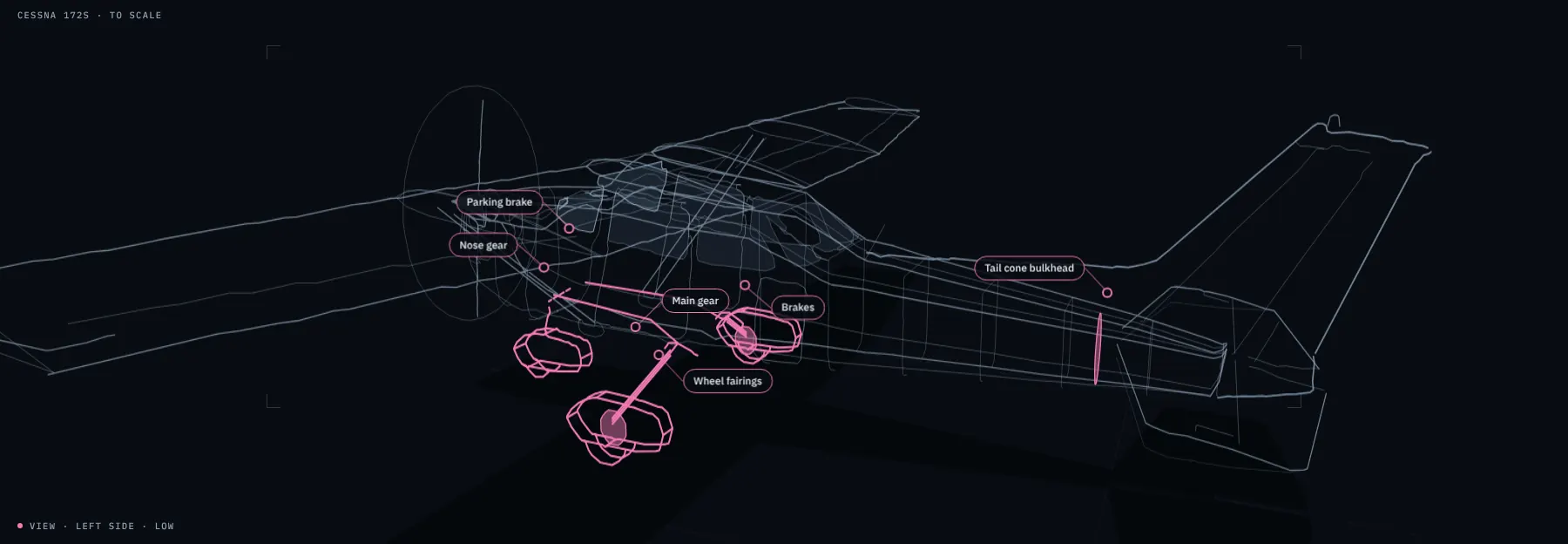
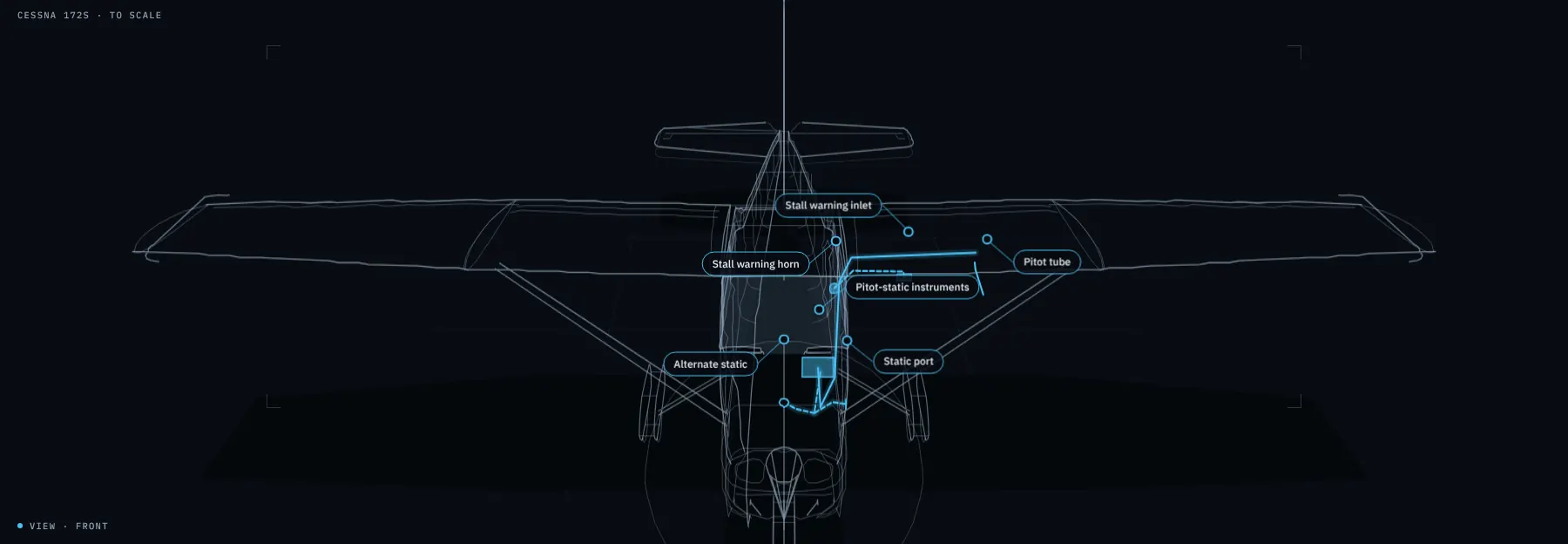
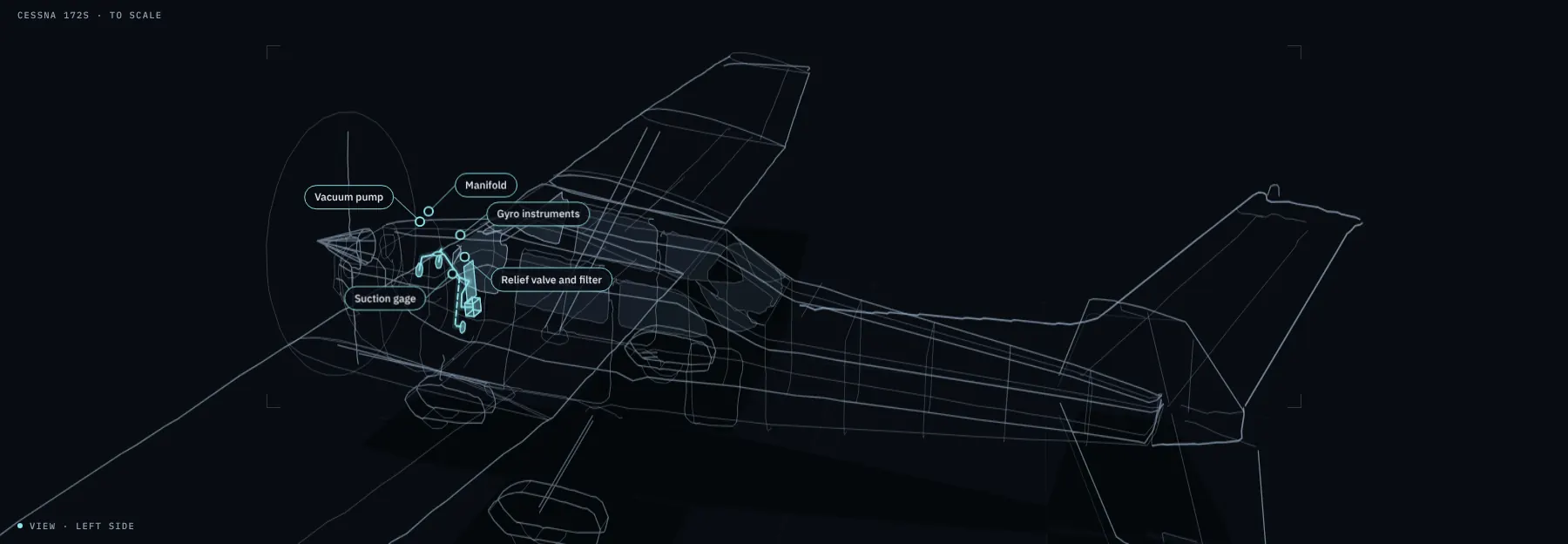
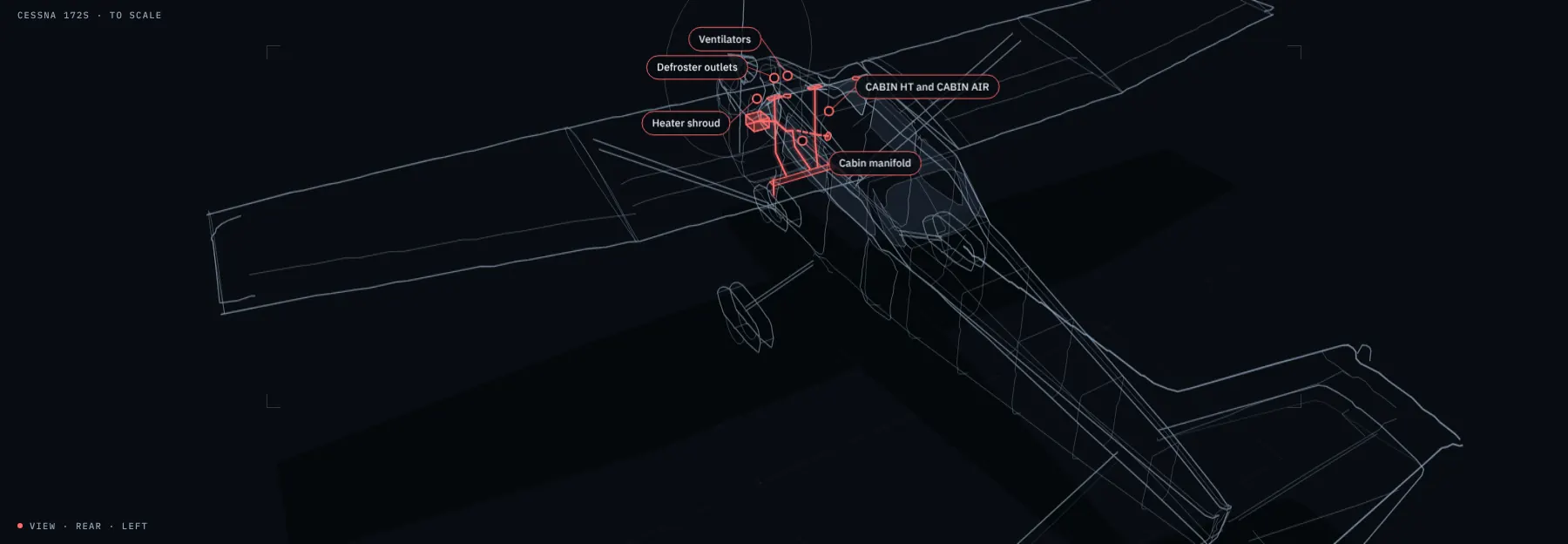
172S, drawn to scale. In the app, tap any part for what it does and where it is, then open its systems page.
- Front of the engineAlternator
Belt driven, 28 volt, 60 amp, on the front of the engine. With the ALT half of the MASTER switch OFF, the entire electrical load is placed on the battery.
- Left side of the firewallBattery
24 volt battery (12.75 A.H. per equipment list) on the left forward side of the firewall. The BAT half of the MASTER switch controls battery power.
- Engine side of the firewallAlternator control unit
Combination alternator regulator and high-low voltage control unit. In an over-voltage condition (approximately 31.5 volts) it removes the alternator field current; reset it by turning the master switch off and back on.
- Left forward side of the firewallPower distribution module
The J-Box houses all the relays, the alternator control unit (ACU) and the external power connector, with spade type fuses and spares inside. The ACU opens the ALT FLD breaker in an overvoltage condition (approximately 31.5 volts).
- Left side of the cowling, by the firewallExternal power
Integral to the J-Box, just forward of the firewall midway up the side. Turn the avionics master and master switch OFF before connecting; placard: 24 VOLTS D.C., observe proper polarity.
- Between the firewall and the instrument panelStandby battery
24 V standby battery for the essential bus only. When main bus volts fall below 20 volts it automatically supplies the essential bus for at least 30 minutes; it cannot power the transponder.
- Left side of the instrument panelSwitches and breakers
Split BAT/ALT master and avionics master switches. The split primary bus feeds an essential bus between the two primaries and, through the avionics master, two avionics buses.
Turn it yourself
The same 3D model as in the app. Drag to turn the airplane, pick a system, tap a component. It loads about 0.3 MB.
What’s in the 172 module
Downloaded once, it works with no connection: on the ramp, in the air, at home before the lesson.
- Controls you can tap
- 80
- Panels
- 15
- POH topics
- 220
- Figures
- 23
- Systems schematics
- 6
- Emergency checklists
- 22
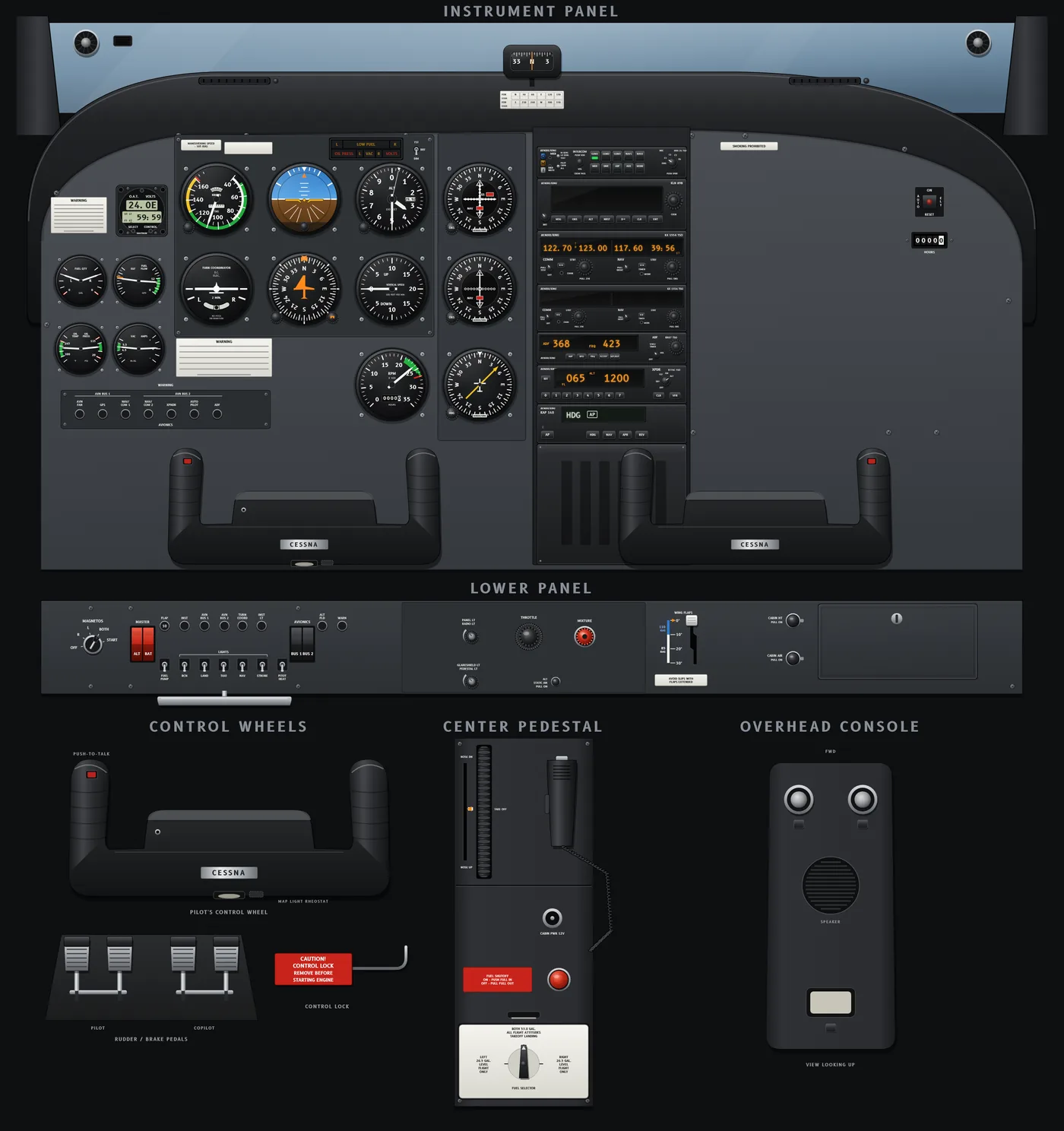
The panel, control by control
80 controls across 15 panels. In the app every switch, knob and gauge is a button: tap it for what it does, how it’s used and where its system is described.
Systems schematics
6 schematics in the module, 69 of their parts explained when you tap them. Drawn by FlightPal.
Systems, checklists and the POH
Systems
13 chapters, 220 topics
Each system as the POH describes it, with its figures. Tap a control on the panel to land on its description; tap a component in 3D to open its system.
- Airplane General, Cabin and Emergency Equipment
- Heating, Ventilating and Defrosting
- Autopilot
- Avionics and Communications
- Electrical
- Flight Controls, Trim and Flaps
- Fuel
- Instrument Panel, Instruments and Displays
- Landing Gear and Brakes
- Lighting
- Pitot-Static and Vacuum Systems
- G1000 Integrated Avionics (172S NAV III)
- Engine and Propeller
Emergency Procedures
22 checklists
Find a checklist by its section or by searching for it. Each is laid out like an electronic checklist: action steps can be ticked off as you go.
- Engine Failures3
- Forced Landings3
- Fires5
- Icing1
- Static Source Blockage1
- Spins1
- Electrical Power Supply System Malfunctions2
- Abnormal Landings2
- Other Emergencies4
Normal checklist
28 checklists in 10 phases
The normal checklist phase by phase, from the preflight inspection to securing the airplane.
- Preflight
- Starting
- Taxi / Before takeoff
- Takeoff
- Climb
- Cruise
- Descent
- Landing
- After landing / Securing
- Other
The rest of the POH
General, Limitations, Emergency Procedures, Normal Procedures, Performance, Weight and Balance, Handling, Service and Maintenance, Supplements. Search finds a control, a system, a limitation, a procedure or an annunciation across all of it.
For familiarization only, not for operational use. Your airplane’s approved POH and checklists always take precedence.