
Airbus A320
The A320neo and A320ceo: the overhead and the pedestal, the FCU and the ECAM, the systems and the abnormal procedures, and the aircraft in 3D from nose to APU.
Electrical
AC and DC generation and distribution
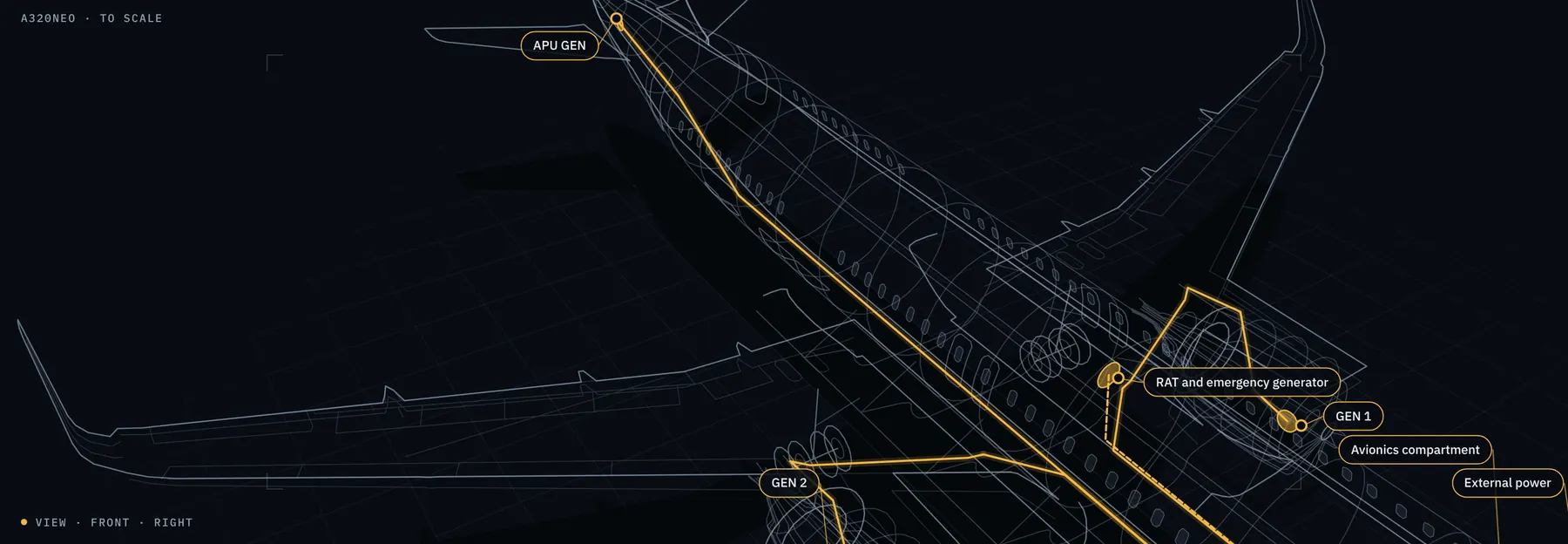
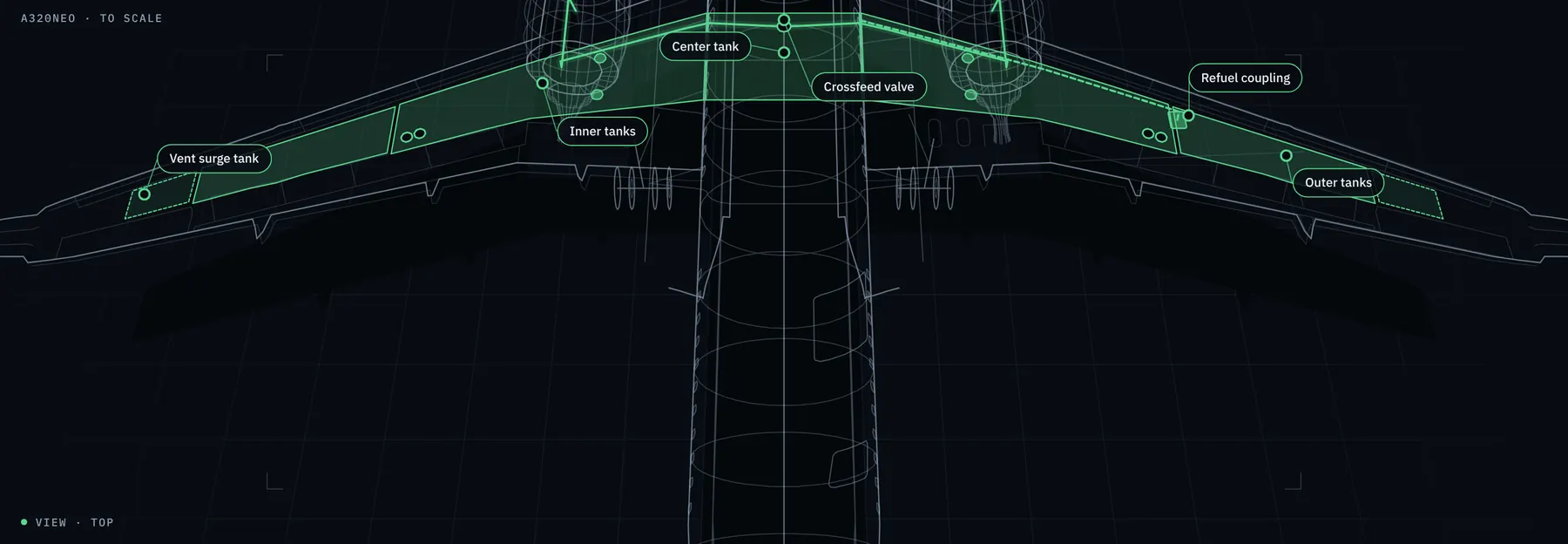
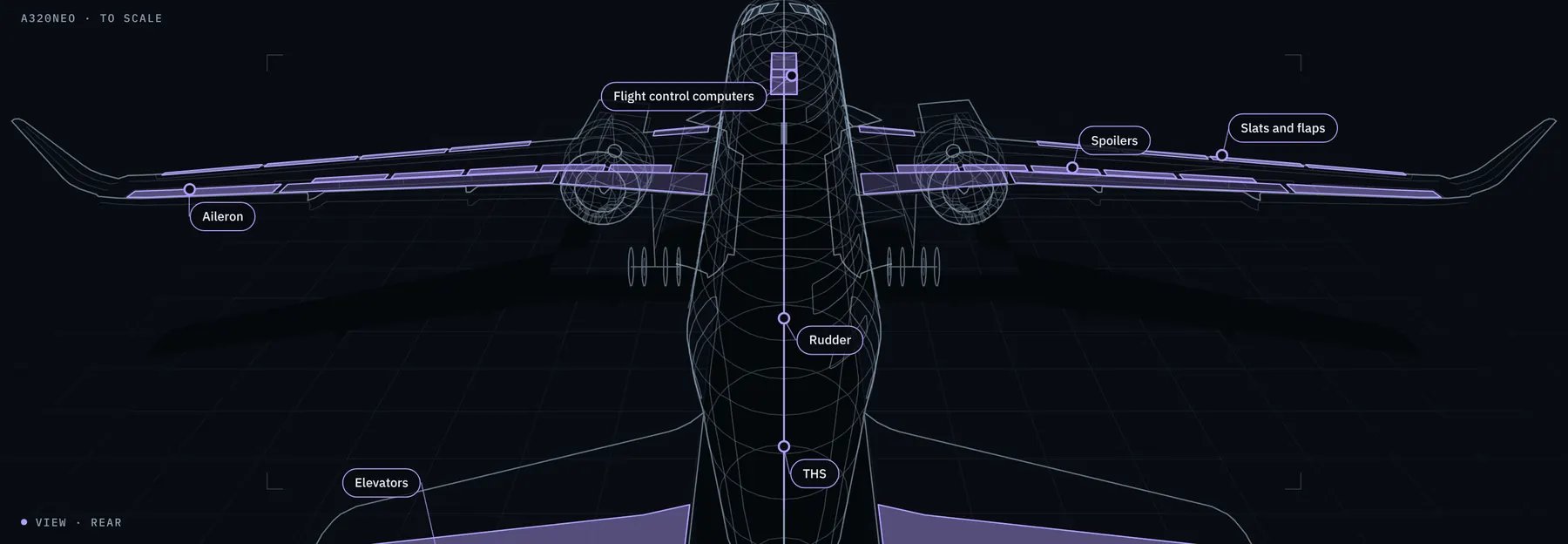
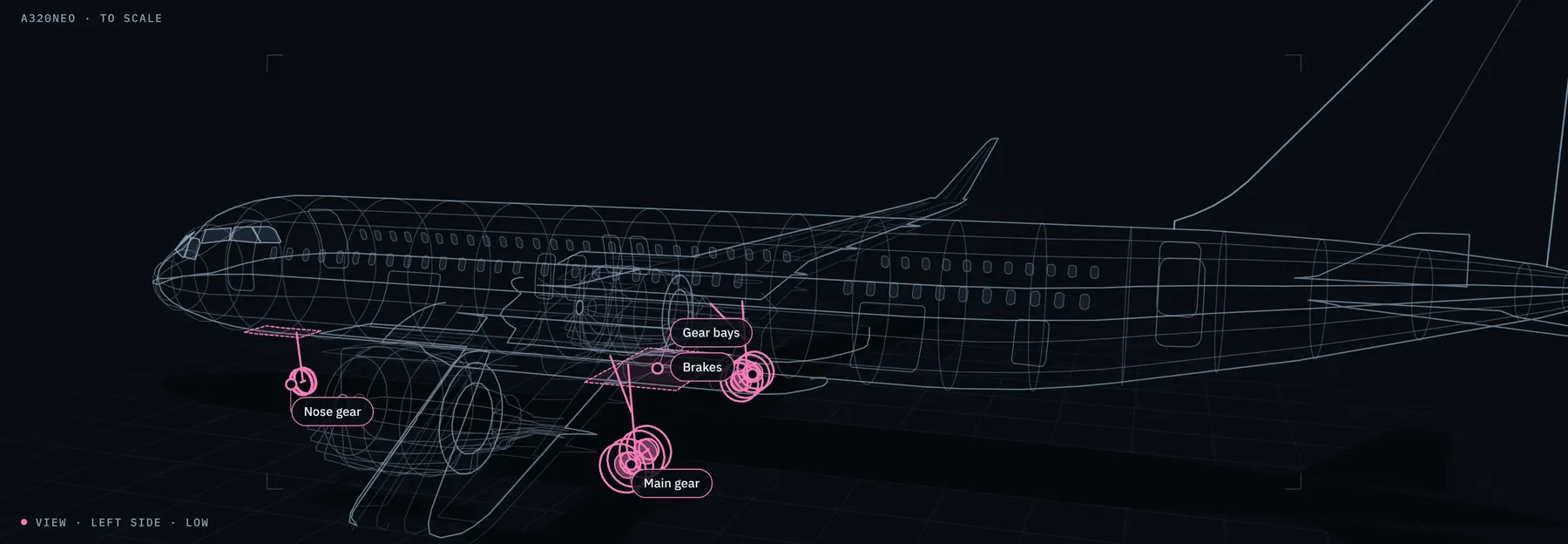
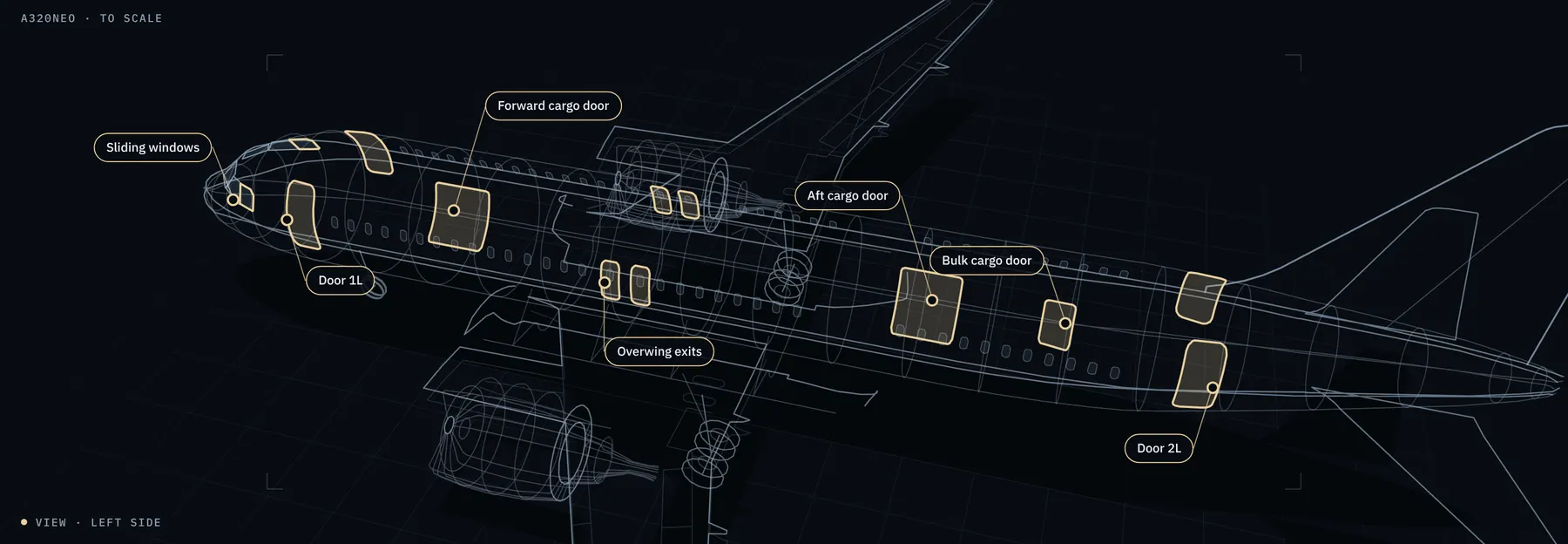
A320neo, drawn to scale. In the app, tap any part for what it does and where it is, then open its systems page.
- Engine 1 · IDGGEN 1
Engine-driven generator on engine 1. Each generator can supply all the AC bus bars; one can power the whole network except the entertainment bus.
- Engine 2 · IDGGEN 2
Engine-driven generator on engine 2. The engine generators have priority over the APU generator and external power.
- Tail cone · APUAPU GEN
Driven directly by the APU, with the same output as an engine generator. It can replace either or both of them at any time.
- Below the flight deckAvionics compartment
Batteries 1 and 2 and the transformer rectifiers (TR 1, TR 2, ESS TR). A static inverter turns battery 1 power into AC for part of the AC ESS bus.
- Under the noseExternal power
Ground power connector near the nose wheel: 115/200 V, 400 Hz, 90 kVA. With EXT PWR ON it has priority over the APU generator.
- Left wing-to-body fairingRAT and emergency generator
If AC BUS 1 and AC BUS 2 are both lost above 100 kt, the RAT extends. It powers the blue hydraulic system, which drives the 5 kVA emergency generator.
Turn it yourself
The same 3D model as in the app. Drag to turn the aircraft, pick a system, tap a component. It loads about 2 MB.
What’s in the A320 module
Downloaded once, it works with no connection: on the ground, in flight mode, in the hotel.
- Controls you can tap
- 465
- Panels
- 75
- FCOM topics
- 1,283
- Figures
- 969
- ECAM alerts
- 366
- Systems schematics
- 19
- QRH checklists
- 424
The flight deck, panel by panel
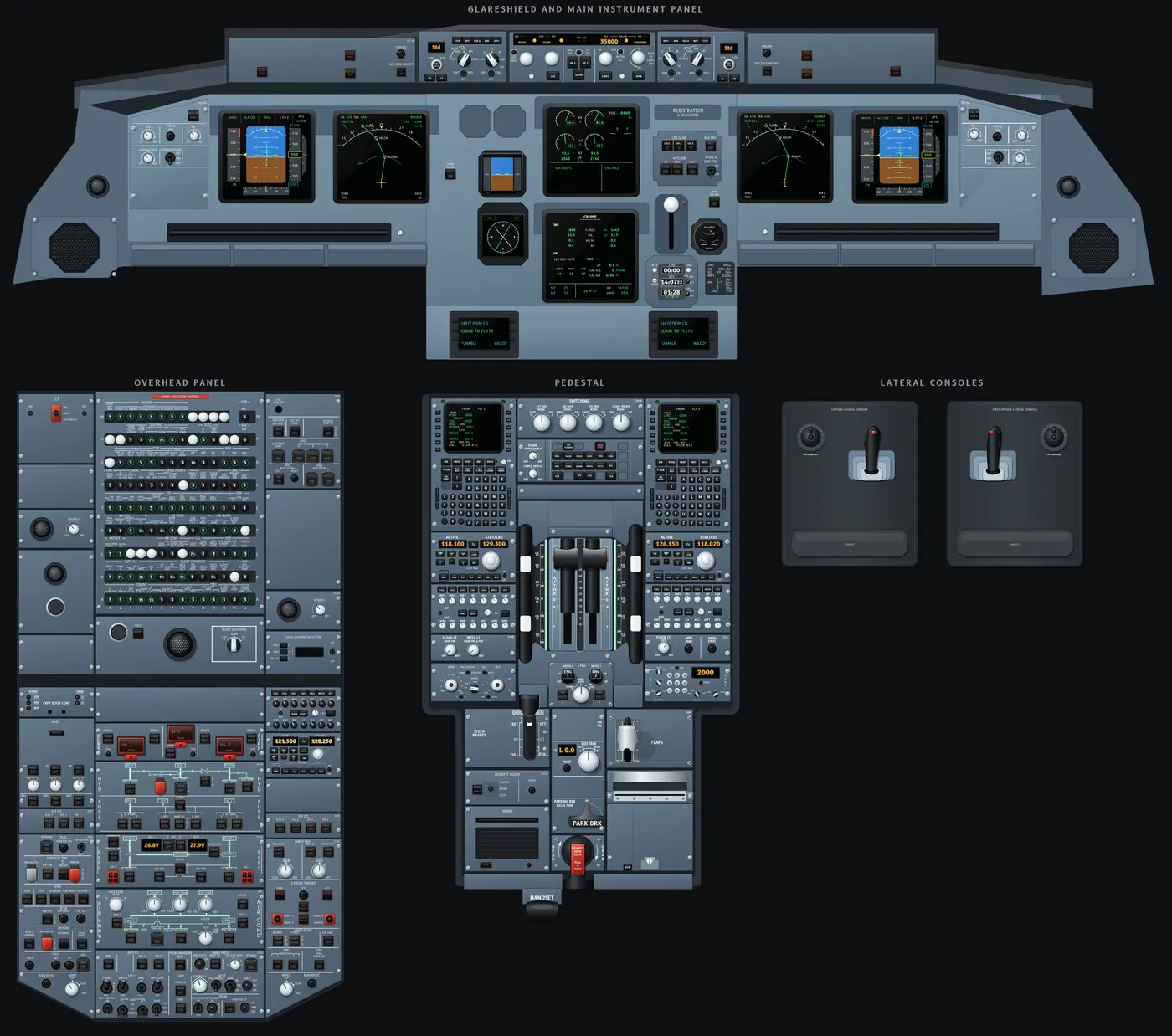
465 controls across 75 panels. In the app every switch, knob and light is a button: tap it for what it does, how it’s used and where its system is described.
Systems schematics
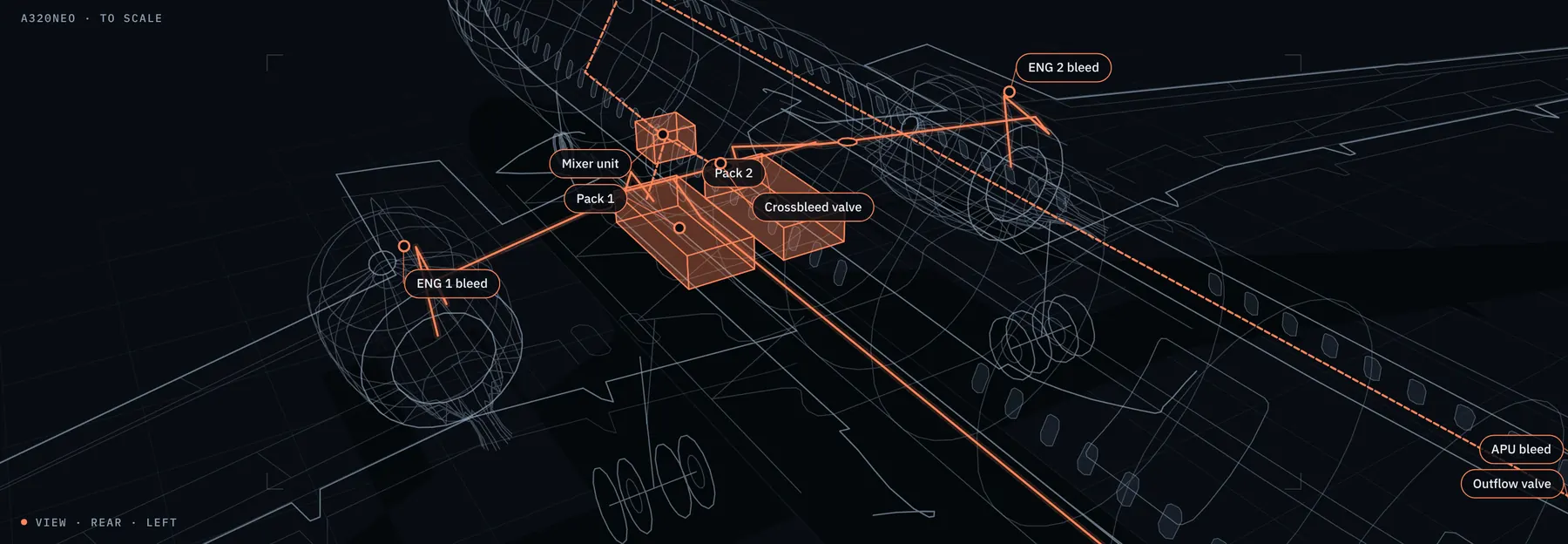
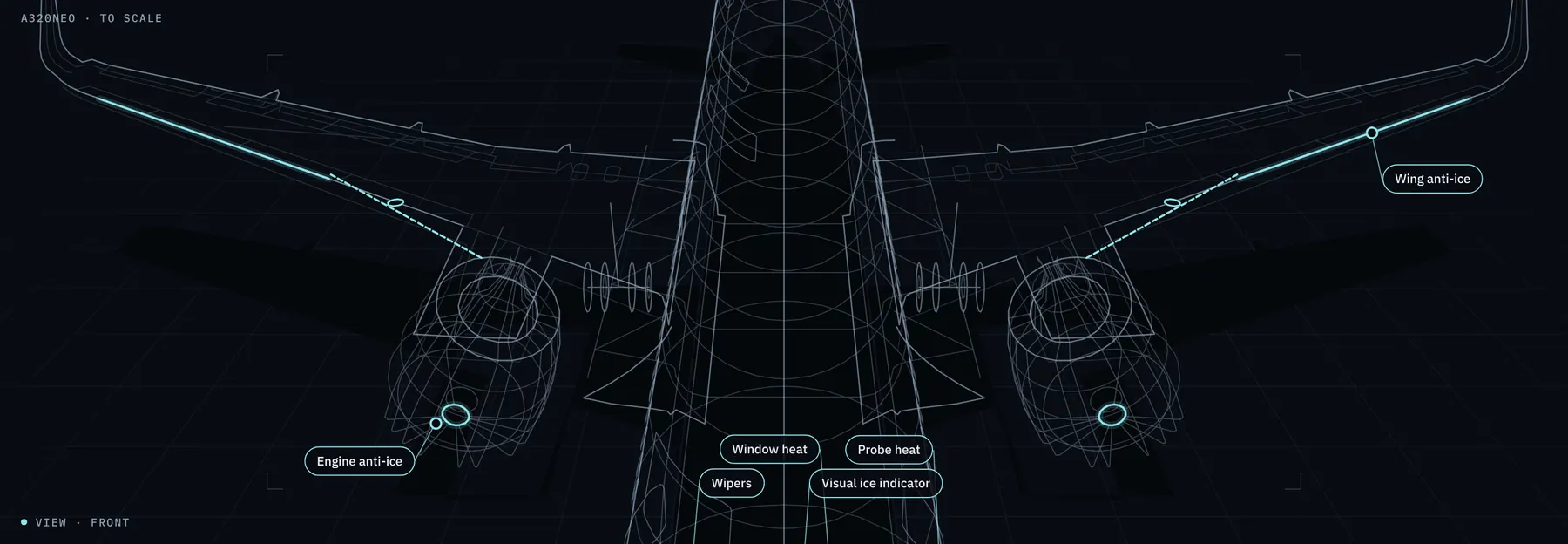
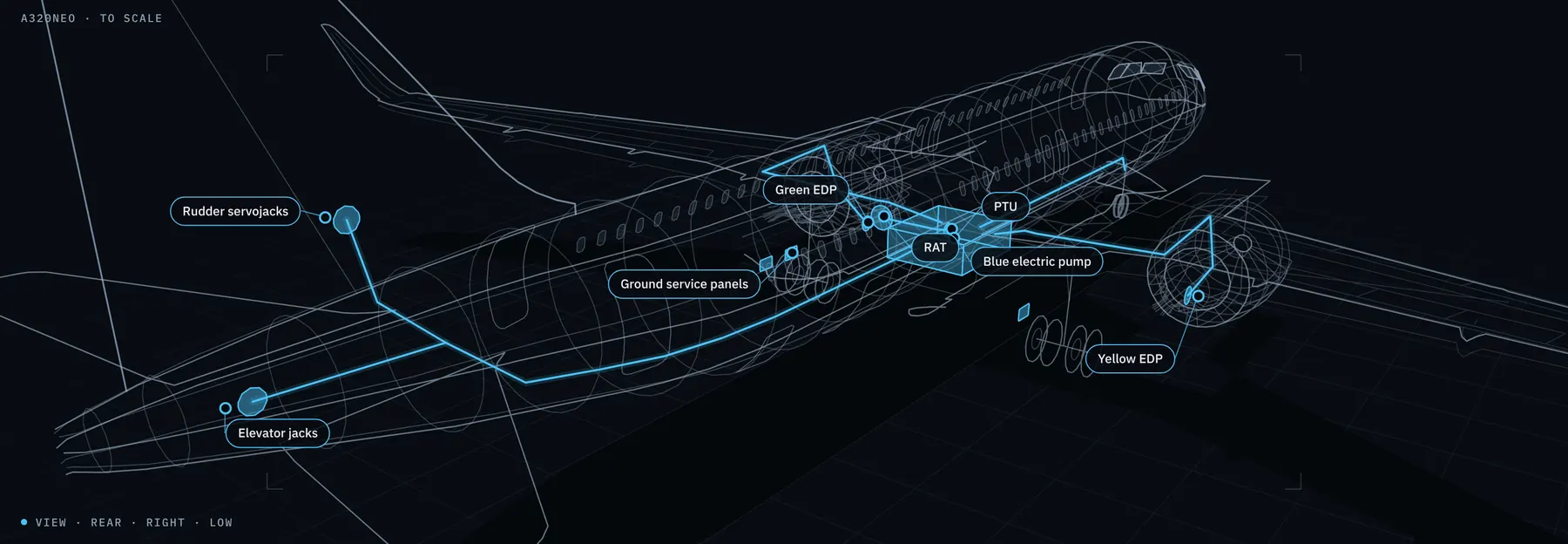
19 schematics in the module, 75 of their parts explained when you tap them. These are a few of them, drawn by FlightPal.
Systems, QRH and procedures
Systems
24 chapters, 1,283 topics
Each chapter as the FCOM orders it, with its figures. Tap a control on the flight deck to land on its description; tap a component in 3D to open its system.
- Aircraft General
- Air Conditioning / Pressurization / Ventilation
- Auto Flight
- Communications
- Electrical
- Equipment
- Fire Protection
- Flight Controls
- Fuel
- Hydraulic
- Ice and Rain Protection
- Indicating / Recording Systems
- Landing Gear
- Lights
- Navigation and Surveillance
- Oxygen
- Pneumatic
- Water / Waste
- Maintenance System
- Information Systems
- APU
- Doors
- Cockpit Windows
- Engines
QRH
Abnormal and Emergency Procedures, 424 in all
Find a checklist by its section or by searching for it. Each is laid out like an electronic checklist: action steps can be ticked off, and decisions are drawn as in the book.
- Anti-Ice19
- Air Bleed25
- APU2
- APU Fire1
- Auto Flight15
- Avionics Smoke1
- Bleed Monitoring1
- Brakes16
- Brakes – Nose Wheel Steering1
- Cabin Pressure9
- Circuit Breakers1
- Communications8
- Air Conditioning9
- Configuration6
- Datalink2
- Doors6
- Displays (EIS)3
- Electrical30
- Engines85
- Flight Controls37
- Fuel26
- Flight Warning System5
- Hydraulic18
- Landing Gear11
- Miscellaneous13
- Navigation37
- Overspeed1
- Recorders2
- Smoke / Fumes11
- Surveillance5
- Ventilation4
- Wheels4
- Wing Anti-Ice4
- Evacuation6
Normal procedures
9 phases
The normal procedures and checklists, phase by phase, from the first flow to the last.
- Before start
- After start
- Before takeoff
- After takeoff / climb
- Approach
- Landing
- After landing
- Parking
- Securing the aircraft
The rest of the manual
Limitations, Normal Procedures, Supplementary Procedures, Special Operations, Performance – Planning, Performance – In Flight, Abbreviations. Search finds a control, a system, a limitation, a procedure or an alert across all of it.
For familiarization only, not for operational use. Your operator’s approved manuals always take precedence.