Eight aircraft, from the Archer to the A380
Each aircraft module is the flight deck, the systems, the checklists and the procedures of one family, with the aircraft drawn to scale in 3D. Buy it here or in the app, pick it in your profile, download it once and it works offline.
Airliners
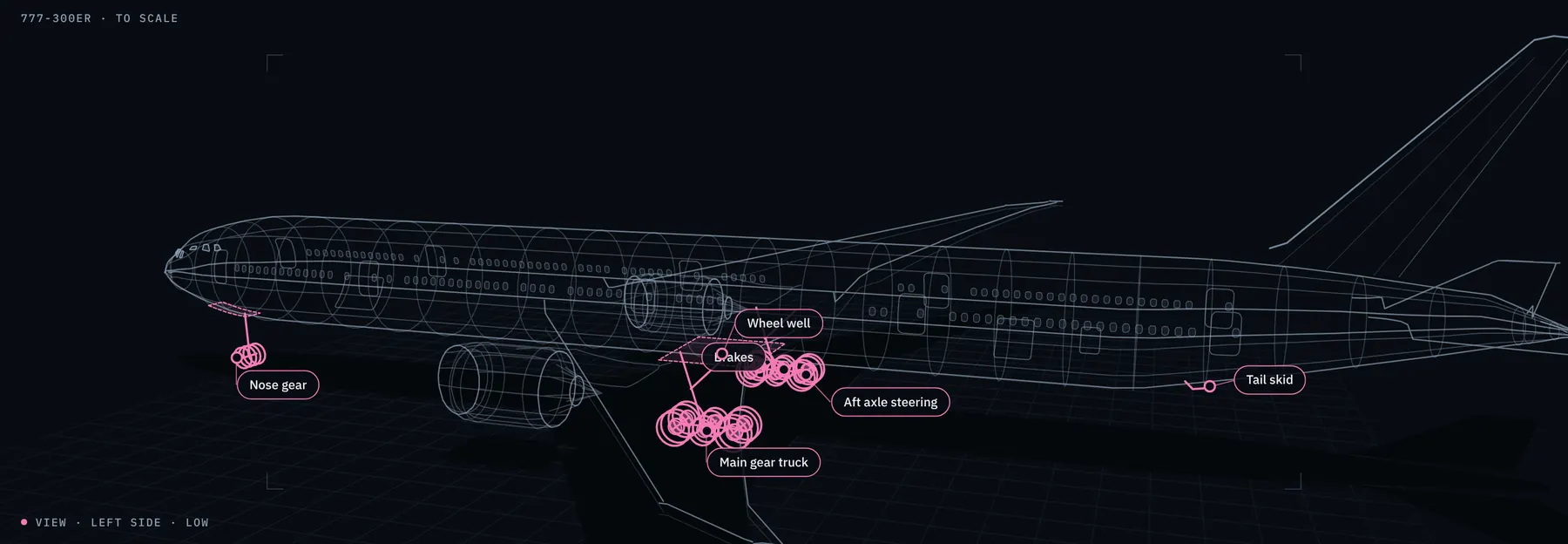
 Boeing 777777-300ER, 777 Freighter · 536 controls$35.99$39.99 in the App Store
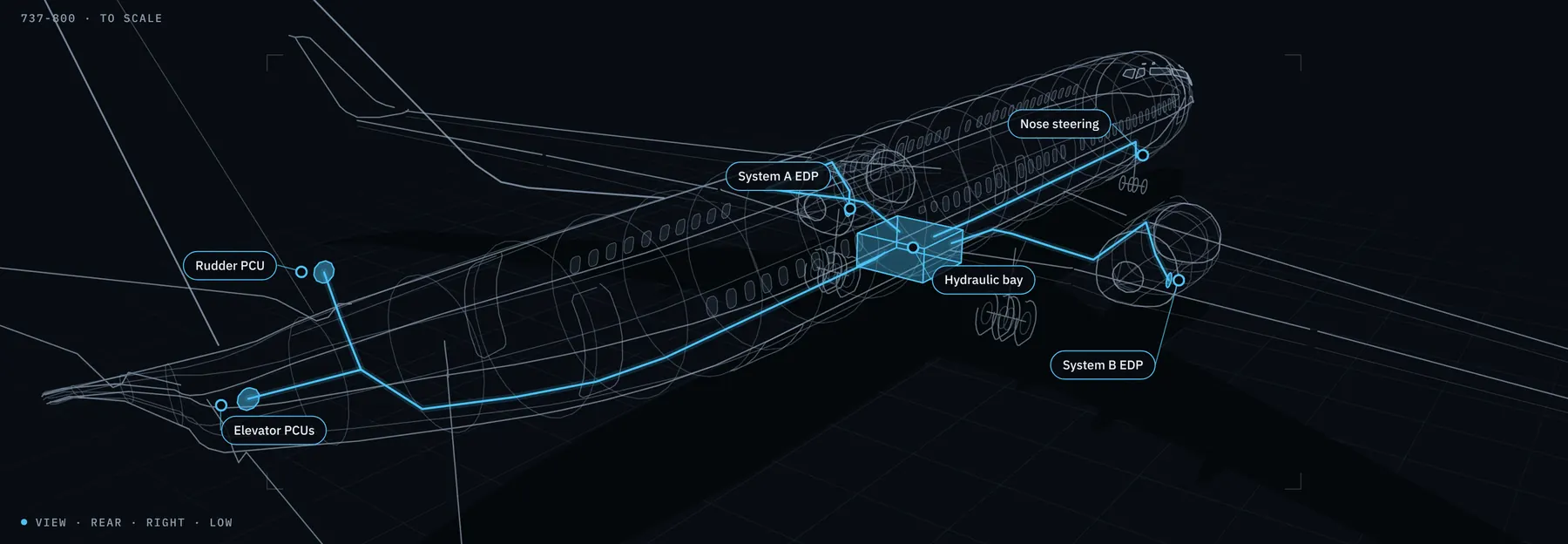 Boeing 737737-800, 737-700, 737 MAX 8 · 557 controls$35.99$39.99 in the App Store
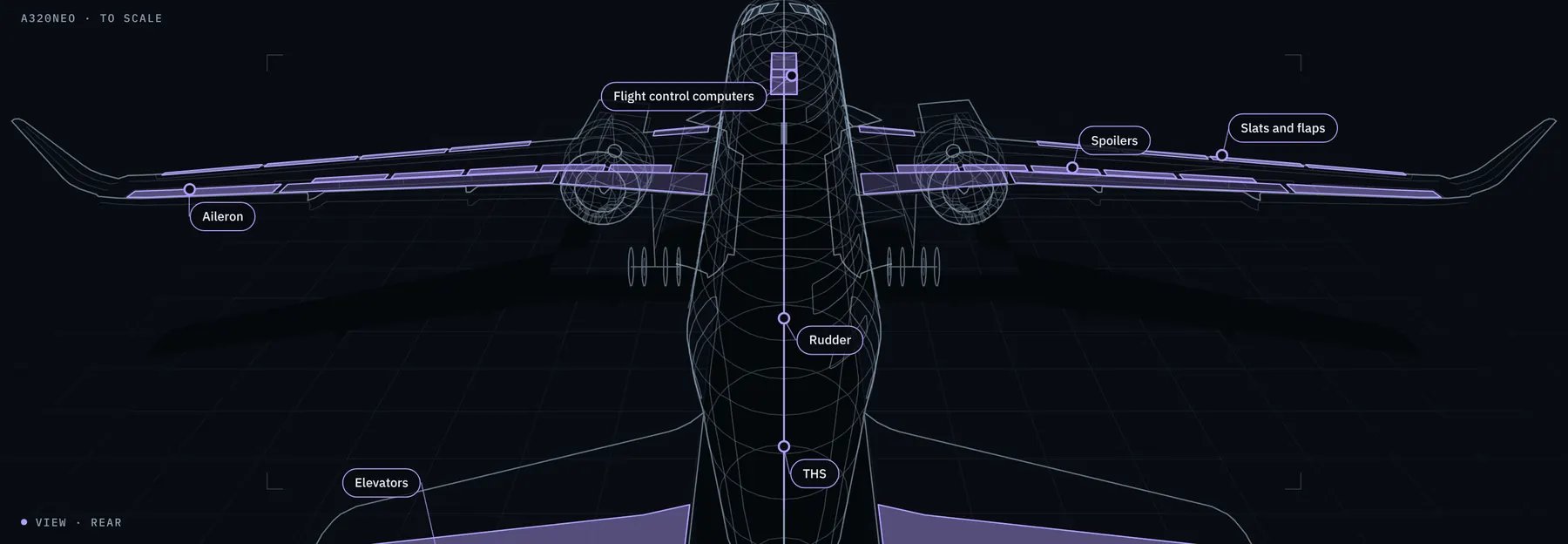 Airbus A320A320neo, A320ceo · 465 controls$35.99$39.99 in the App Store
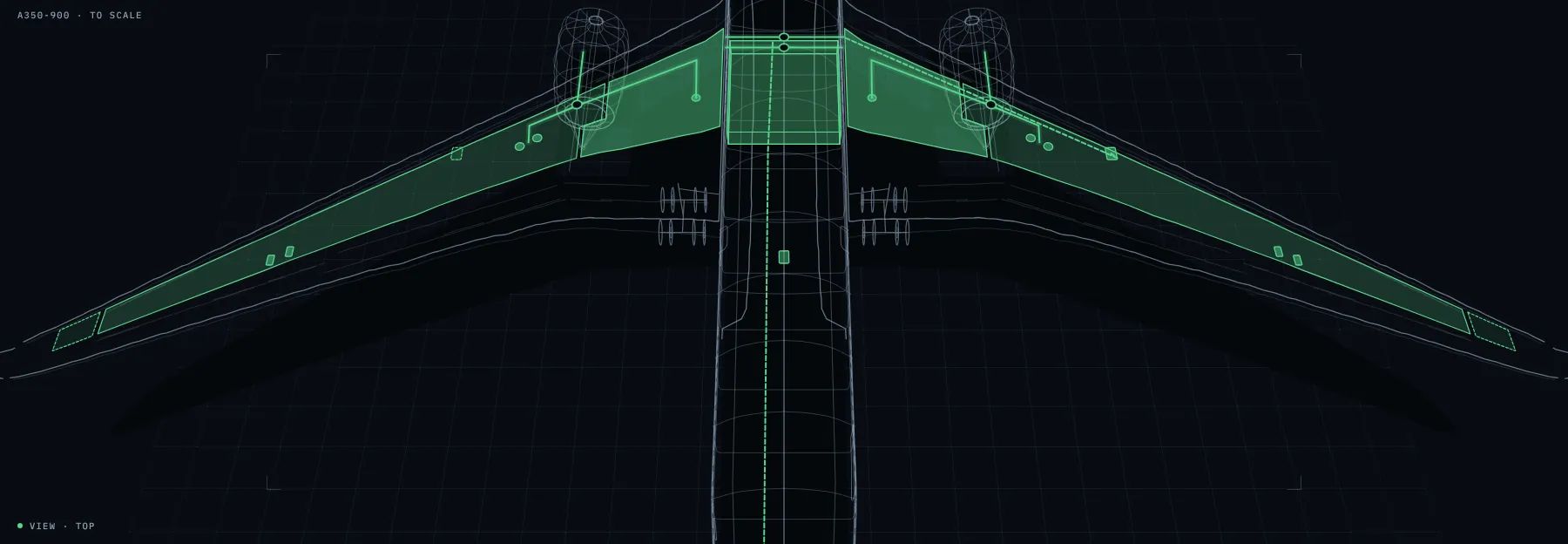 Airbus A350A350-900 · 798 controls$49.99$59.99 in the App Store
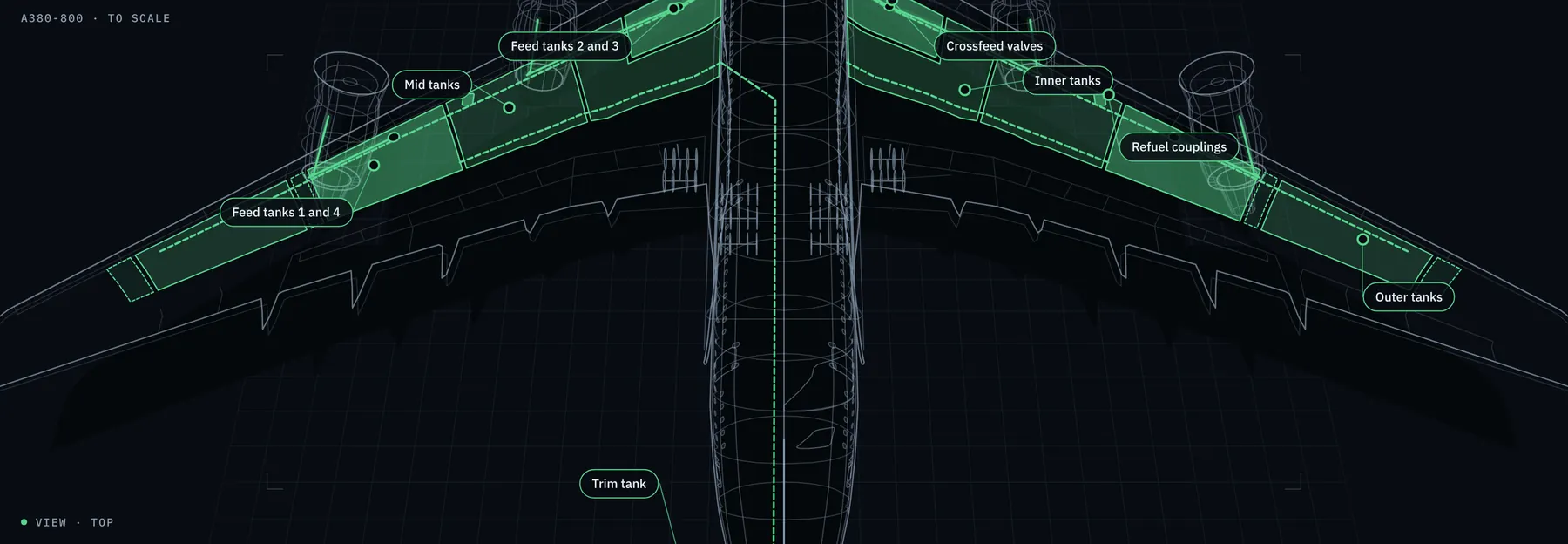 Airbus A380A380-800 · 771 controls$49.99$59.99 in the App Store
General aviation
The POH’s systems and checklists, the panel control by control, the airplane in 3D. The PA-28 comes free with the app.
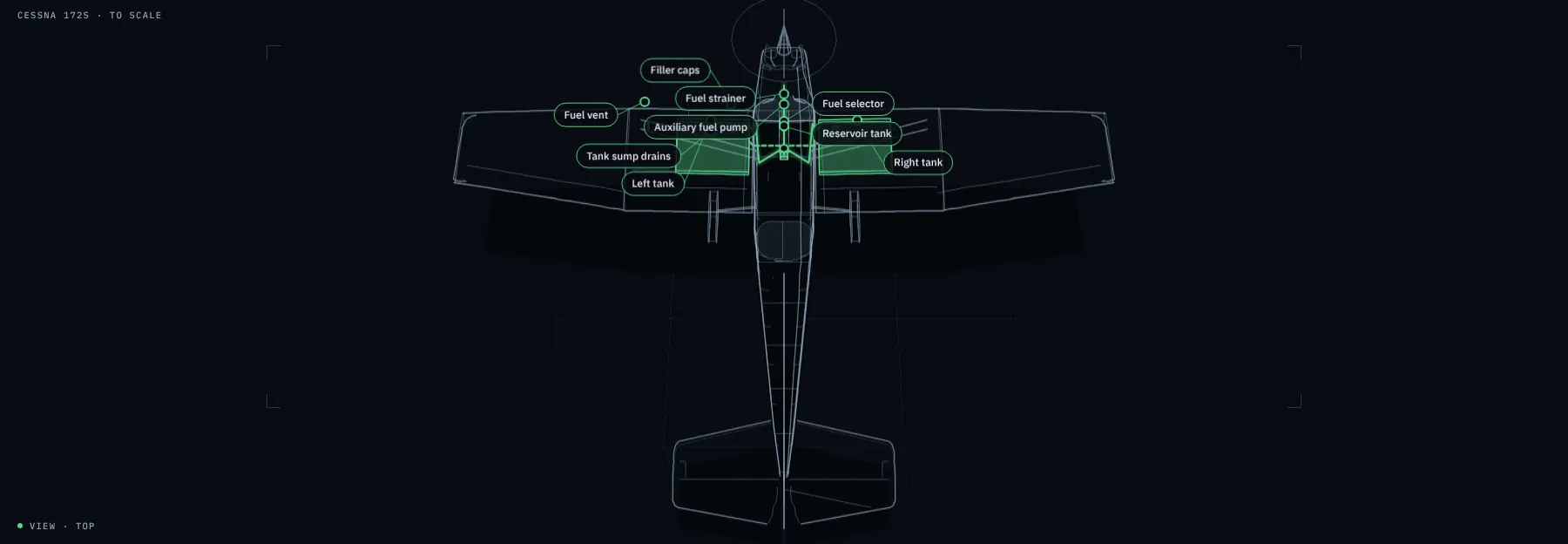 Cessna 172172P, 172S, NAV III, Diesel · 80 controls$17.99$19.99 in the App Store
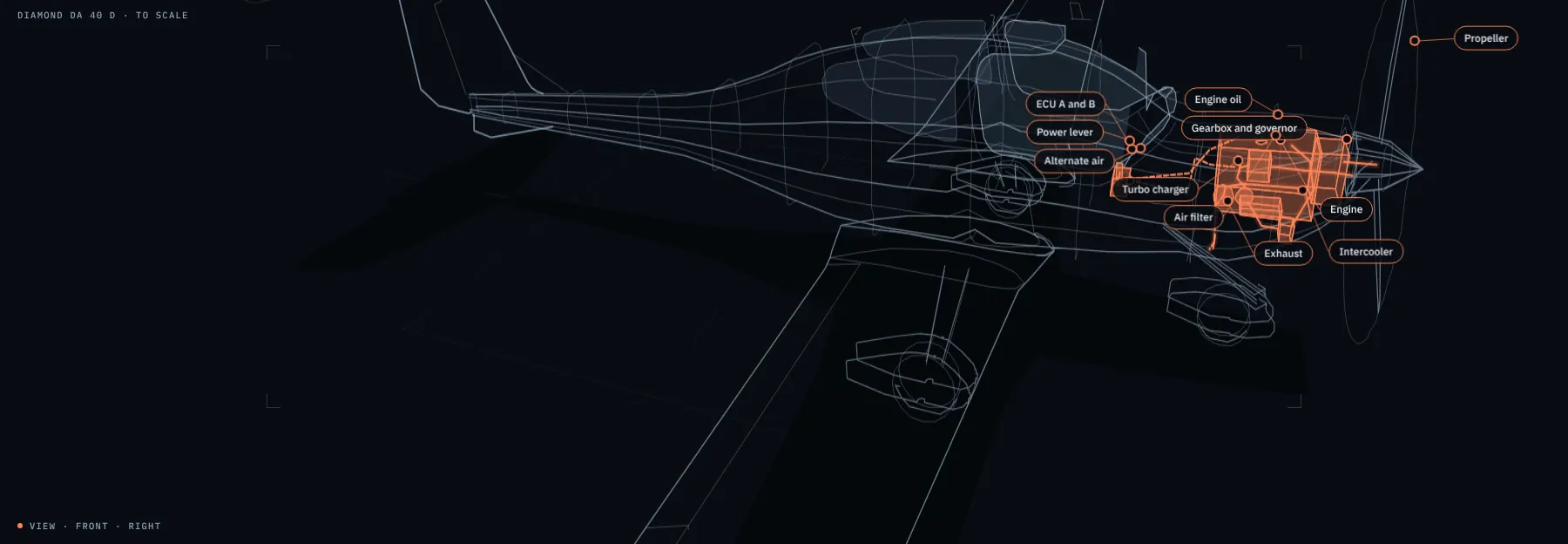 Diamond DA40DA 40 D · 66 controls$17.99$19.99 in the App Store
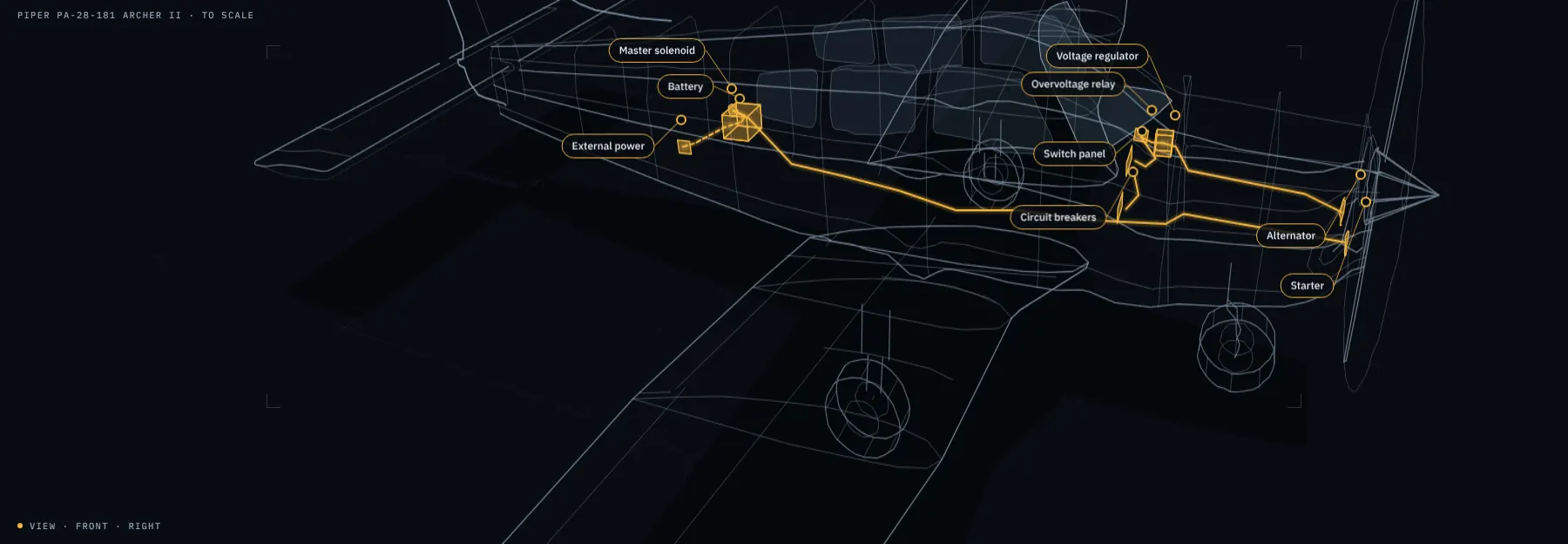 Piper PA-28PA-28-181 Archer II · 68 controlsFreein the app
Prices in US dollars, 10 % below the App Store’s when bought here; tax added at checkout where it applies. A module is bought once, with free updates for life, and works on every device you sign in to. Pricing and flightpal Pro
What every module has
Flight deck
Every panel drawn, every control a button. Tap a switch for what it does, how it’s used and where its system is described.
Systems
The FCOM systems chapters with their figures, from the airplane general to the warning systems.
Diagrams and 3D
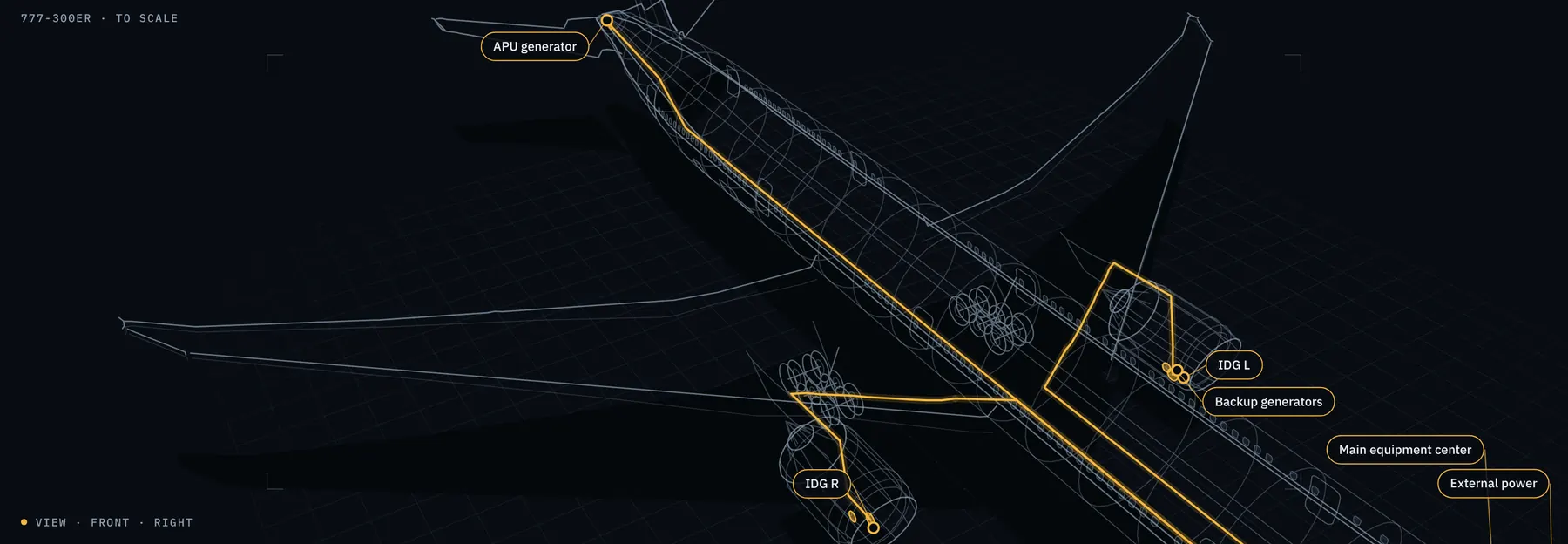
The aircraft drawn to scale and seen through: electrical, bleed air, anti-ice, hydraulics, fuel, flight controls, landing gear and doors. Slide from one system to the next, turn the aircraft, tap a component.
Schematics
The systems drawn as schematics, with their parts explained when you tap them.
QRH
The non-normal checklists by section or by search, laid out like an electronic checklist: tick the action steps as you go.
Normal procedures
The flows and checklists phase by phase, from preflight to secure.
Search
One search for a control, a system, a limitation, a procedure or an alert, across the whole module.
Updates
When a module is updated, FlightPal tells you. Pull down on the home screen to check now.
Ask about it, too
BOB reads the module of the aircraft you fly. Ask how a system works or what a message means: the answer comes with the page it came from.